AI Ball Finder
Experimental. It looks for the ball for you, and works best on a ball in the air against the sky.
Choose a shot 5 clips
What's new
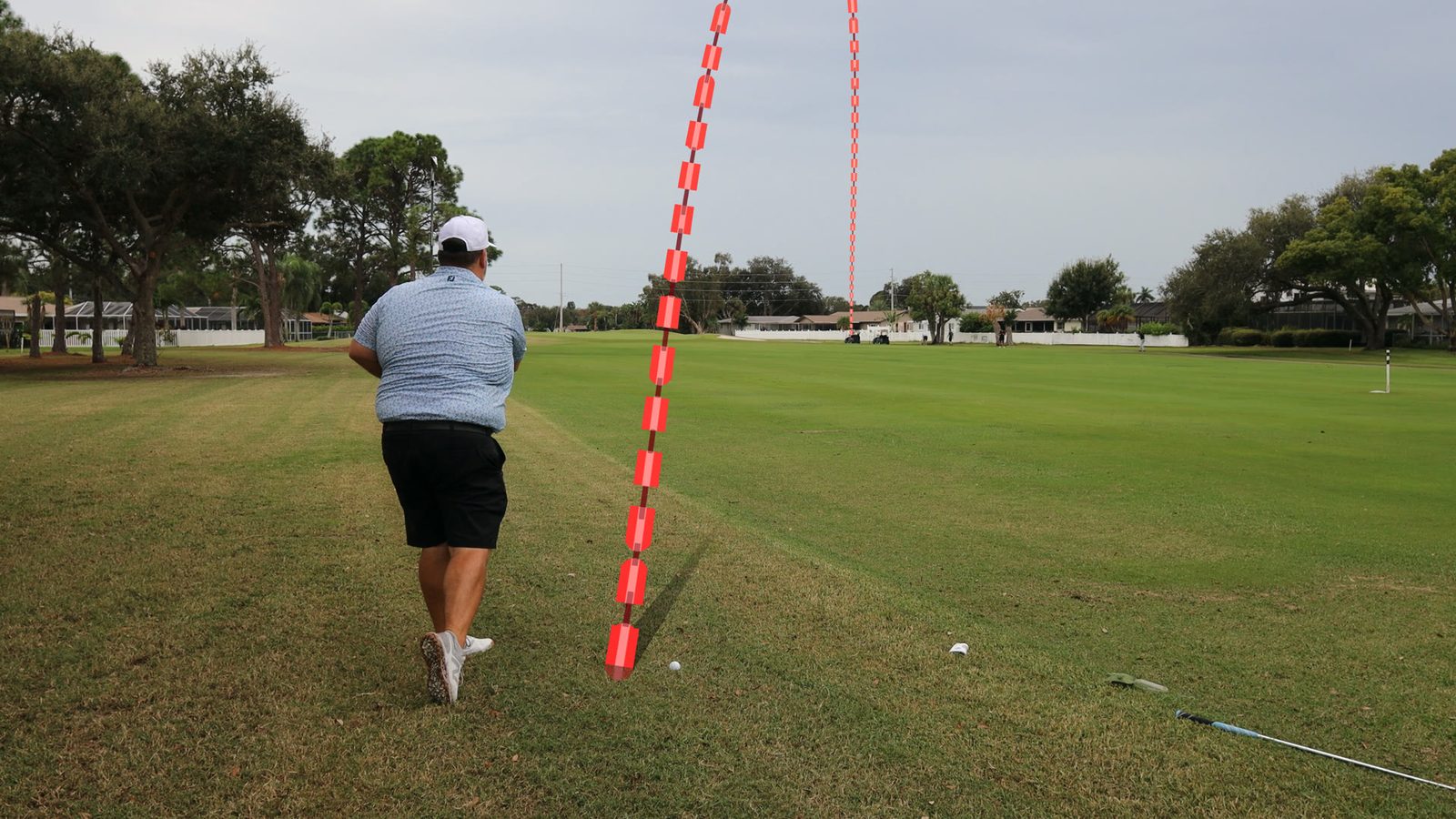
New: Apex Height.Raise or lower the top of the flight with a slider or a handle on the picture; impact and landing stay where they are. In both Resolve and Premiere Pro, with one key for both. Plus everything from the releases before: an experimental AI ball finder to spot the ball on hard shots too, better tracking for much cleaner traces, bounce detection, and a simpler panel.
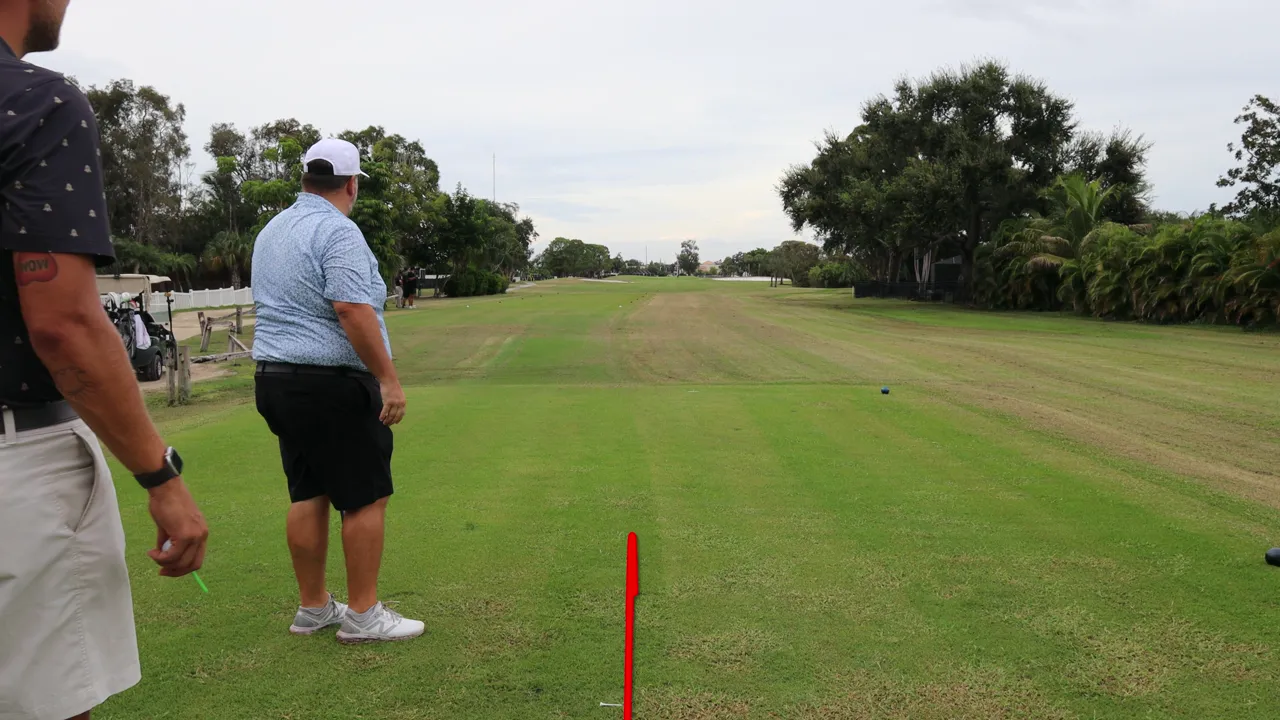
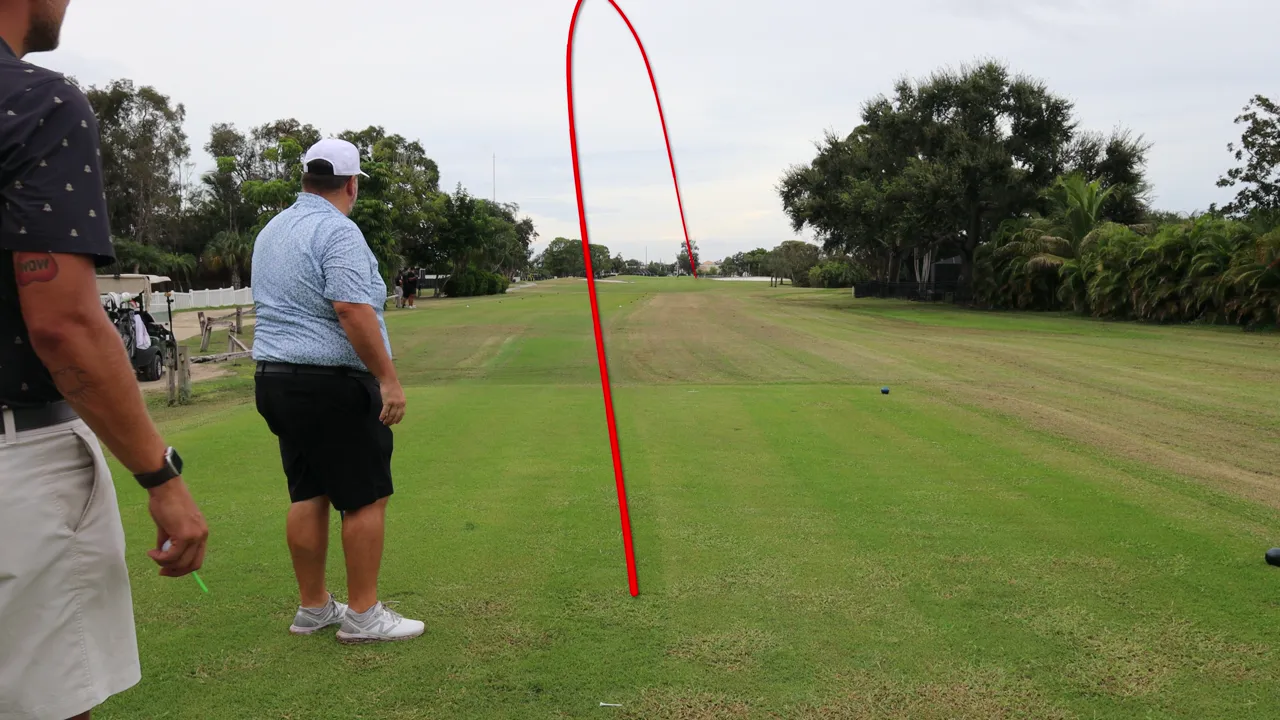
Experimental. It looks for the ball for you, and works best on a ball in the air against the sky.
Choose a shot 5 clips
After the ball lands, the trail follows it through the bounces and the roll, where the camera saw them.
Choose a shot 3 clips
Click the ball on a few frames to fix a trace, or mark it the whole way and the path is drawn through your marks.
Choose a shot 3 clips
The trail stays in the sky: where the ball comes down behind the trees it goes behind them too, and the mask moves with the camera.
Choose a shot 2 clips
Paper Ribbon, Broadcast Tube and Flow Dash, each with its own settings to make it yours.
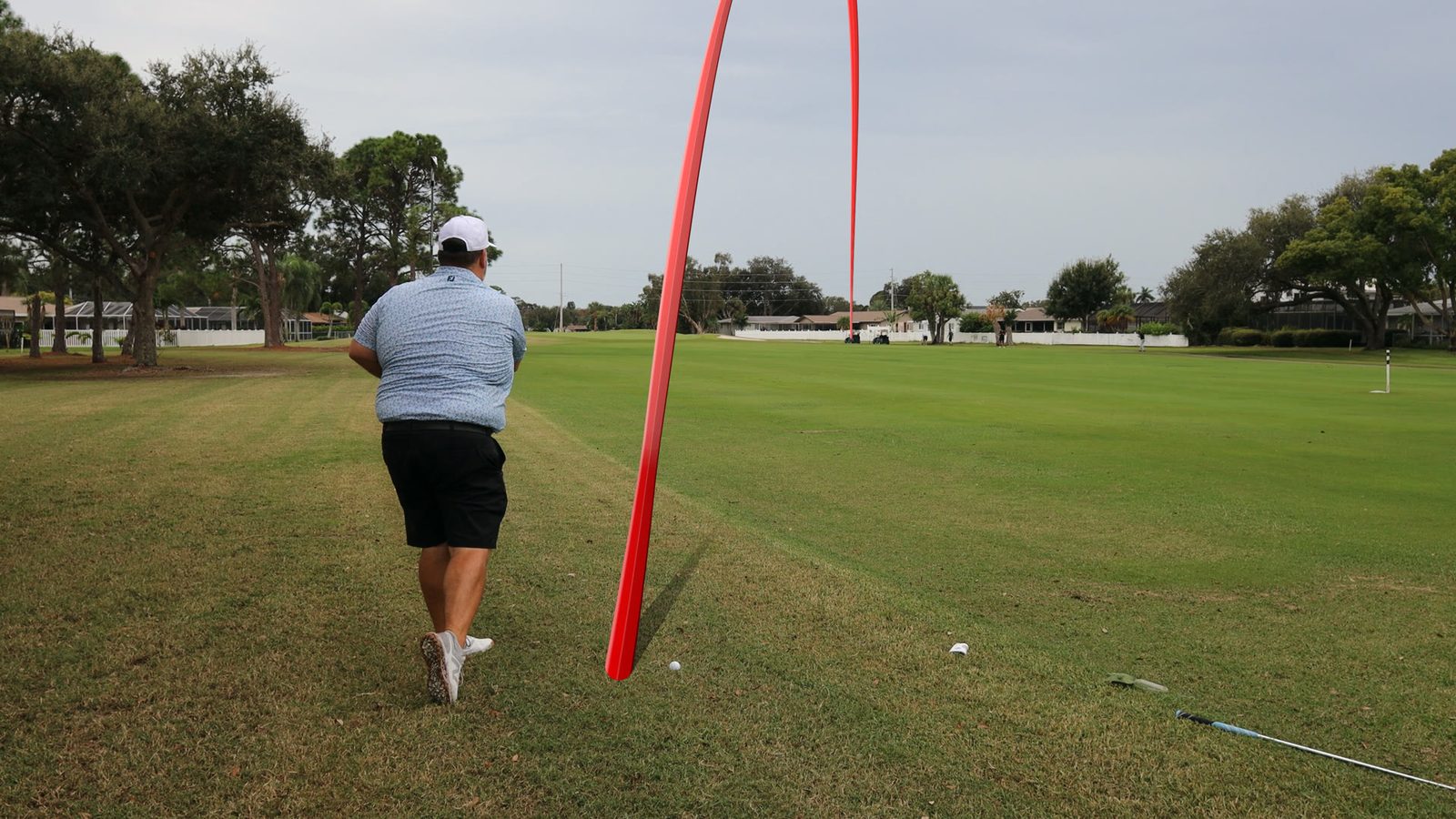
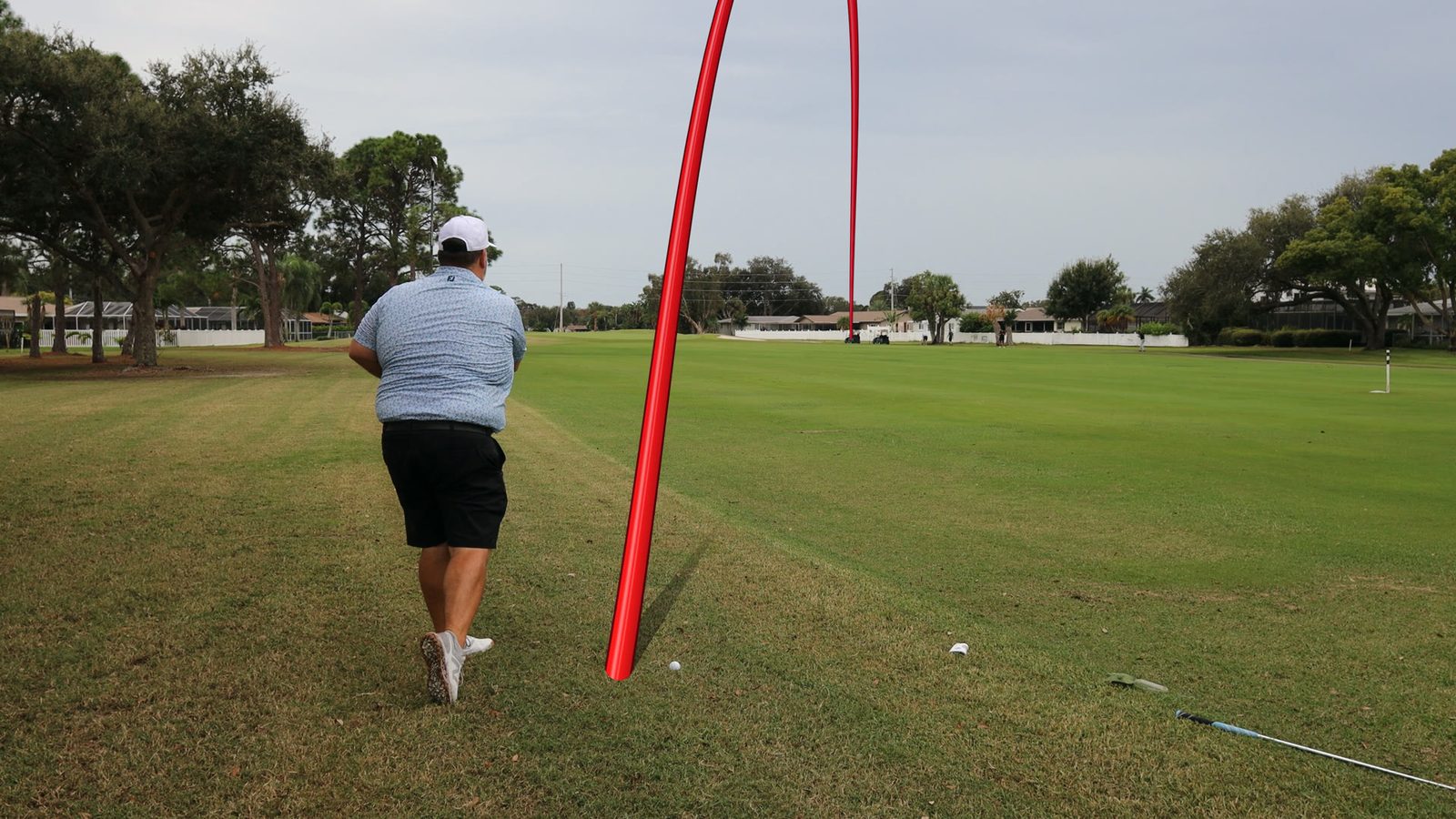
Choose a look 3 looks
New ways for the trail to appear and leave, each with its own settings.
Choose an animation 3 animations
Raise or lower the top of the flight with a slider or a handle on the picture. Impact and landing stay where they are. Lowering a low shot a long way can make the path dip.
Fixed "has not taken a reference picture" on phone clips in 60 fps sequences.
Dragging Flight Time now changes the flight by the right amount. In a project where you dragged it earlier, the trail length can differ.
A clip cut without re-encoding with a few odd frames at its very end is no longer refused. Those last frames are left out, so if the shot itself reaches one of them, that frame cannot be traced. Checked with our test clips.
Read upright and traced. Checked with our test clips.
A horizontal clip fitted into a vertical (9:16) sequence is traced. Tested on our own test clips so far.
Clips whose frame timing only wobbles now trace. A clip whose frame rate really changes can still be refused; convert it to a constant frame rate first.
A small picture move is traced through. Checked with our test clips.
No longer refused. Checked with our test clips.
When the ball leaves the top of the picture and you place a Landing marker, the trail now comes down onto the marker and the bend no longer jumps. The status line says when a landing is estimated and over which frames. Checked with our test clips.
With Landing In Shot off, a divot moving along the grass no longer turns the trace into a short ground roll. Checked with our test clips.
When the camera pans or the operator walks off after the shot and Ball Tracer loses track of the picture, the trail stays where it was instead of following a zoom that never happened. Checked with our test clips.
Changing Points keeps the trail's shape. Going back to the earlier number of Points gives the exact curve back, and a hand-adjusted curve says how far fewer Points move it.
A grade, LUT or colour management before Ball Tracer no longer stops Trace.
When a clip is changed before Ball Tracer, the message says whether it is the colours or the shape (zoom, crop, stabiliser, lens correction) and what to turn off. Pressing Trace again works once it is fixed.
Small Inspector zooms and moves are followed, so the trail lands on the ball. A zoom that changes over the clip is refused with "Zoom changes over the clip".
A speed ramp or freeze inside the shot is no longer traced wrong; Ball Tracer asks you to play the shot once.
A Start or End past the clip's end on the timeline is held to the clip, and the message says so. A range entirely outside the clip is refused clearly.
A clip whose frame rate was changed (Clip Attributes, Interpret Footage) gets a note on which Clip Frame Rate gives the ball its real speed.
A Landing marker placed after End Frame now says it lands at End Frame, and which End Frame to set.
Ball Tracer now runs in Adobe Premiere Pro too, from its own installer, under Video Effects, Ball Tracer. The same key activates it; on a computer with both programs, each one uses a seat.
The trail no longer bends when the camera moves, putts are followed to rest, and a coloured ball traces better.
A Landing marker no longer cuts off the top of the arc, and a ball that lands after the cut ends the reveal on the clip's last frame.
Off by default. Set its amount, length and offset; it ends on the landing, follows Flight Time, and no longer drifts sideways.
Two new presets, Pitch and Chip and Run. Presets now work with Follow Ball off, and after each trace the reveal runs from impact to landing.
Shows the trace's real flight time and stays where you drag it.
Only On The Way Down, on by default, and cleaner edges behind trees.
Uses the fast graphics card on laptops, and on smaller PCs runs on the processor instead of failing.
Ball Tracer tells you when a new version is out.
The Ball Marks buttons confirm the trace again; trail handles no longer dent the trail and stay under the pointer when the camera moves; the Follow Ball animation is now Chase Ball; panel names, Look colours and the overlay match in Resolve and Premiere Pro.
Send to Support no longer freezes Resolve, and an interrupted install puts the previous version back.
For chips and shots to the green, the trace follows the ball down to where it lands.
Double-click the Ball At Impact or Landing marker to set that frame.
Filled in after every trace; change it to retime the flight.
Where a trail crosses itself, as on a head-on shot, the climb casts a soft shadow so the two stay apart.
Curve any stretch of the path between two handles.
The new default animation; on a traced shot the trail's head follows the ball.
Ball Tracer works out the horizon and the camera itself, so there is less to set by hand.
Tracing runs in its own program beside Resolve or Premiere Pro, so you may see it in Task Manager.
The steps you need are open at the top; the fine settings start closed.
The trace is quicker, with the same result.
Ask Ball Tracer
Connecting…